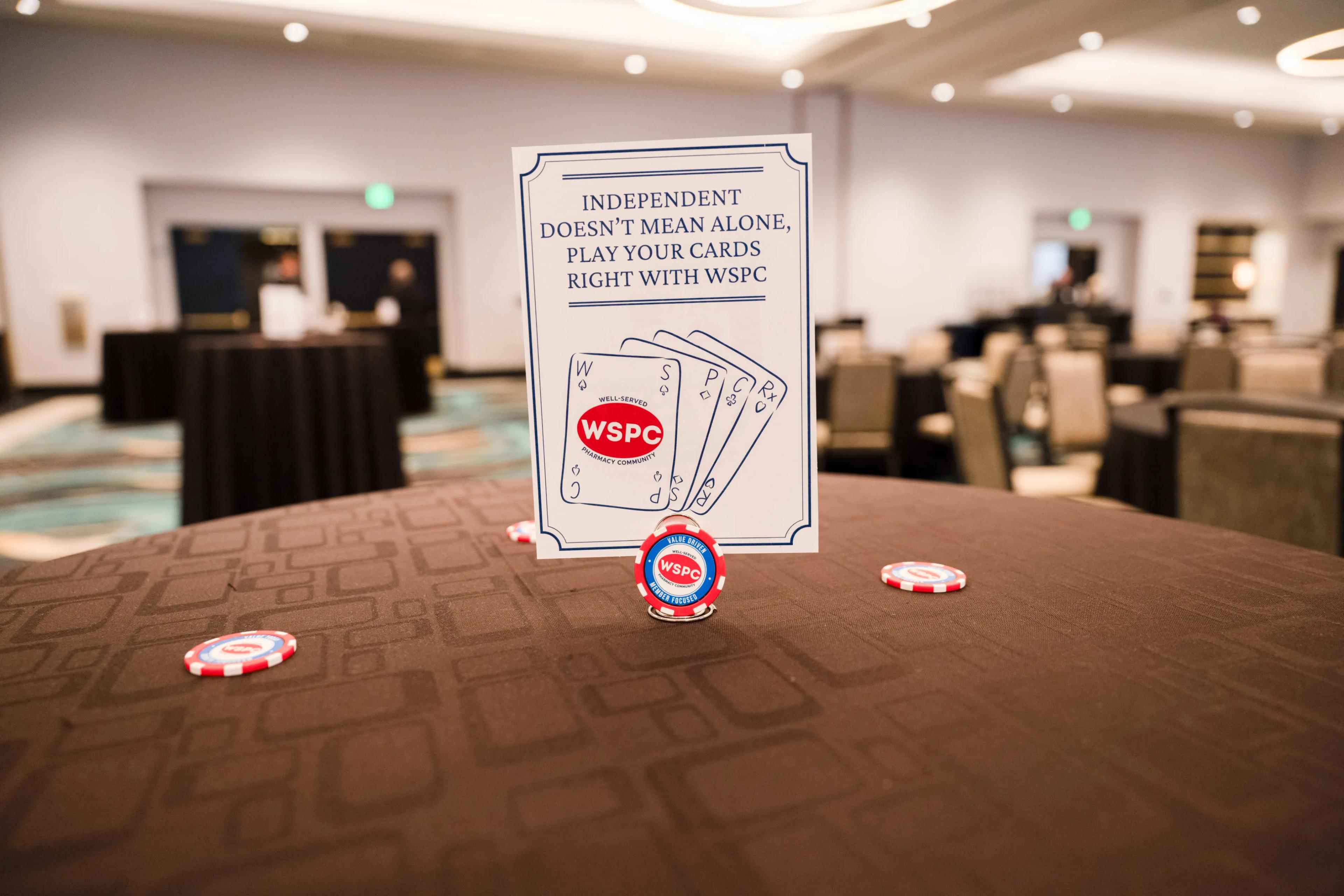
Quick answer
Optimizing a Google Business Profile pharmacy listing means claiming it, keeping hours and categories accurate, adding photos, posting updates, and responding to reviews. These free steps directly affect whether your pharmacy appears in local map searches. Most pharmacies can complete the core setup in under an hour.
Google Business Profile optimization is the single highest-return, lowest-cost marketing step available to an independent pharmacy, and most owners still have not finished setting up their Google Business Profile pharmacy listing properly. If a patient searches "pharmacy near me" and your listing is outdated or unclaimed, you lose that visit before you ever had a chance to compete on service.
WSPC built this guide as a companion to our broader digital marketing basics piece, going deeper into the one tactic that consistently delivers the fastest results: your Google Business Profile. According to Pharmacy Times, one-third of all retail prescriptions in the U.S. are filled at roughly 22,000 independent pharmacies, and nearly all of them are competing for the same local map searches as the chains next door. None of the steps below require a developer or an agency. You can do this yourself, today, and most of it takes less time than a single patient consultation.
More current NCPA data puts the count at approximately 18,960 independent pharmacies as of the 2025 Digest, representing nearly 36% of all U.S. retail pharmacies, all optimizing for the same local map pack.
A Google Business Profile is a free listing that controls how your pharmacy appears in Google Search and Maps. Optimizing it means keeping every field accurate and active so Google confidently shows your pharmacy to nearby searchers.
Google does not just display businesses at random. It weighs relevance, distance, and prominence, and prominence is heavily influenced by how complete and active your profile is. An unclaimed listing, missing hours, or a profile with no photos signals inactivity, and Google tends to rank inactive listings lower than well-maintained ones nearby.
Think about the last time you searched for a business on your own phone. You almost certainly skipped the listing with no photos and a phone number that did not match the website. Patients do the same thing to you, instantly and without a second thought, which is exactly why this groundwork matters before any other marketing effort.
None of these are ranking tricks or workarounds. They are the same basic information a patient wants before deciding whether to drive over, and Google is simply rewarding the businesses that make that information easy to find and trust. It is worth remembering, too, that patients already see independents favorably: Pharmacy Times has reported that 63% of consumers believe independent pharmacies are more innovative than large chains, according to Accenture. A well-kept profile is how that goodwill actually reaches someone searching online for the first time.
More than half of U.S. adults now go online for health information, according to CDC data reported by Drug Topics. That is the pool of searchers your Google Business Profile either captures or loses before a patient ever calls your pharmacy.
50%+
of U.S. adults used the internet for health information in a recent 6-month CDC survey period
72%
of consumers won't act until they've read a business's reviews, per PBA Health
18,960
independent pharmacies nationwide, per NCPA's 2025 Digest, all competing for the same local searches
 A complete, active profile signals credibility to both patients and Google.
Related: A Google Business Profile is just one piece of a pharmacy's digital toolkit. Explore Pharmacy Technology & Automation →
A pharmacy should choose its primary category as Pharmacy and add only secondary categories that genuinely reflect services it offers, such as vaccination clinic or compounding pharmacy. Overreaching on categories confuses both Google's matching system and the patients trying to find you.
Erin Rexroth, director of marketing at NCPA, made a point at the NCPA 2024 Annual Convention worth applying directly here: independent pharmacies can geotarget their listings and use precise, local language to help Google rank them highly for searches in their specific service area, something a national chain's generic listing often cannot replicate as effectively at the neighborhood level.
Write your business description in plain language a patient would actually search for: mention vaccinations, compounding, MTM, or delivery if you offer them. Skip generic phrases like "full-service pharmacy" that do not help Google match you to a specific search.
Naming actual services pays off because most independents genuinely offer them: NCPA's 2025 Digest found 93% of independent pharmacies provide flu immunizations and 80% offer medication therapy management, specific services worth naming in your profile instead of a generic tag.
It helps to think from the patient's side of the search bar. Nobody types "full-service pharmacy" into Google. They type "flu shot near me" or "pharmacy that does compounding." If your profile and description use that same specific language, you show up for the exact question a patient is asking, instead of hoping a generic listing gets noticed anyway.
Photos and posts matter because they signal an active business to both Google and patients browsing search results. A profile with recent images tends to draw more clicks than one with a single old storefront photo or none at all.
You do not need professional photography. A clear photo of your storefront, your team, and your interior gives patients a sense of what to expect before they walk in. Posts work similarly: a short update about a flu shot clinic, extended holiday hours, or a new service gives Google fresh content to index and gives patients a reason to check back.
None of this needs to look polished. A phone photo of your team at a vaccine clinic communicates more warmth and authenticity than a stock image ever could, and patients tend to respond to that authenticity, not production value. Consistency beats perfection here every time.
A pharmacy should respond to every review, positive and negative, as a routine part of profile management, not an occasional task. Review activity is visible to anyone viewing your listing and shapes first impressions before a patient ever calls.
A short, professional response to a negative review often does more to build trust than the review itself does to damage it. Patients reading your profile later see how you handle a problem, which matters more than the fact that a problem occurred at all. For positive reviews, a brief thank-you response takes thirty seconds and reinforces the relationship publicly.
PBA Health puts a number on why this matters: 72% of consumers will not act on a business until they have read its reviews. NCPA survey data adds useful context here too: 85% of adults still prefer filling prescriptions at a local pharmacy over mail order, so a thoughtfully managed review section reinforces a preference patients already hold, not one built from nothing.
| Review Type | Response Approach |
|---|---|
| Positive | Brief, personal thank-you; mention specifics if appropriate |
| Negative | Professional, non-defensive, offer to resolve offline |
Set a realistic cadence rather than treating this as a crisis every time a review appears. Checking once or twice a week is usually enough for most independent pharmacies, and responding within a few days still reads as attentive to anyone reading later. If your team is small, assign one person ownership of this task so it does not quietly fall through the cracks during a busy week.
Yes, your website's mobile experience directly affects how well your Google Business Profile performs, since most local searches happen on a phone. A profile can be perfect and still underdeliver if the linked website fails on mobile.
Rexroth was direct about this at the NCPA convention: a mobile-friendly website is not optional, and a site that fails to render properly on a phone can cause Google to skip it altogether in mobile search results. Your profile can drive the click, but a broken mobile experience on the other end wastes it.
Test your own website on your phone the way a patient would. If pages load slowly, text is too small to read, or buttons are hard to tap, that is costing you visits your Google Business Profile worked to earn.
This does not require a full redesign. Often the fastest fix is simply confirming your existing site renders cleanly on a phone screen, that your phone number is tappable, and that your hours are visible without scrolling through several menus. Small friction points like these are exactly what cause a patient to bounce back to the search results and pick the next listing instead.
Yes, a pharmacy should actively monitor and seed its Google Business Profile Q&A section, since anyone can post a question or answer there, including patients who may not have accurate information. Leaving it unmonitored means letting misinformation about your pharmacy sit publicly, unanswered.
Seed a handful of the most common questions yourself: do you offer curbside pickup, do you accept walk-in vaccinations, do you compound. Answering your own frequently asked questions ahead of time means a patient gets a clear, accurate answer immediately instead of an outdated guess from a stranger, or no answer at all.
Check back periodically for new questions from real patients too. A quick, accurate answer posted within a day or two shows attentiveness, while a question left unanswered for weeks looks the same to a browsing patient as a business that has stopped paying attention.
Seeding two or three questions takes less time than answering one confused phone call, and it works quietly in the background for every patient who searches afterward.
A pharmacy can track optimization results using Google Business Profile Insights, a free dashboard showing calls, direction requests, and website clicks generated directly from the listing. This turns guesswork into real numbers.
Check Insights monthly rather than daily; local search performance moves gradually, not overnight. Look for steady increases in direction requests and calls after you make a change, a new set of photos, a monthly posting habit, and give any single change a few weeks before judging its impact.
Insights also shows the exact search terms that surfaced your profile, which is genuinely useful data most owners never think to check. If "24 hour pharmacy" keeps showing up and you are not actually open 24 hours, that mismatch is worth fixing before it costs you a frustrated patient.
Most pharmacies have completed two or three of these steps without realizing the rest are still open. This checklist turns everything covered in this guide into a five-minute, no-budget audit you can run today.
Google Business Profile Health Check
Check each item your profile already has covered.
Score out of 6: five or six is a strong profile; fewer than three means real, low-cost upside is still on the table.
Build your local visibility with backup behind you
WSPC members get shared training, group purchasing power, and an active advocacy voice for independent pharmacy.
Become a Member →Google Business Profile optimization is not a one-time task; it is a habit of keeping your Google Business Profile pharmacy listing accurate, active, and responsive to patients. Claim it if you have not, fix your categories and hours, add photos consistently, and respond to every review. None of this costs anything but time, and it is often the single fastest way an independent pharmacy can compete with a chain's marketing budget. If you only take one action from this guide today, check that your hours are correct; it is the single most common, most fixable mistake.
Set a recurring reminder, monthly is plenty, to review your profile the same way you would review inventory or staffing. A five-minute check catches an outdated holiday hour or a stale photo before a patient ever notices the gap.
This article is general educational information for independent pharmacy owners and operators and is not legal, financial, tax, or regulatory advice. Verify current requirements and consult qualified professionals before acting. WSPC provides resources and advocacy for independent community pharmacies.
Ready to grow your pharmacy with the right support behind you?
WSPC members get group purchasing power, shared training resources, and an active advocacy voice for independent pharmacy.
Become a Member →Have questions about growing your pharmacy?
Contact WSPC →Sources
Written by
WSPC
Independent Pharmacy Cooperative · WSPC
WSPC is a member-owned cooperative that helps independent community pharmacies lower their cost of goods, grow revenue, and stay competitive through group purchasing, business analytics, clinical programs, and advocacy.
Was this article helpful?
Yes. Claiming and managing a Google Business Profile is free. There is no cost to add photos, post updates, or respond to reviews, which makes it one of the highest-value marketing steps a pharmacy can take.
Check hours and contact information whenever they change, and aim to add a new photo or post at least monthly. Profiles that show recent activity tend to perform better in local search results.
Start with the primary category that matches your core business, typically Pharmacy, and add accurate secondary categories for services you actually offer, such as vaccination clinic, if applicable. Avoid selecting categories that do not reflect real services.
Google has indicated that review engagement is a factor in local search visibility, and professional responses to both positive and negative reviews build patient trust regardless of any direct ranking effect.
Your profile often links directly to your website. If a patient taps through on their phone and the site does not display properly, they are likely to leave and choose a different pharmacy instead.
Insights is a free dashboard within your profile showing how many people called, requested directions, or visited your website directly from your listing, giving you real data on whether your optimization efforts are working.
Significantly. PBA Health reports 72% of consumers will not act on a business until they've read its reviews, so a profile with prompt, thoughtful responses converts more searchers into calls and visits.
NCPA's 2025 Digest counts approximately 18,960 independent pharmacies nationwide, about 36% of all U.S. retail pharmacies, all optimizing for the same Google Maps and local search results.

Pharmacy vaccine marketing turns immunization clinics into a genuine patient acquisition engine, not just a seasonal service, for independent owners.
Pharmacy online reviews shape whether a new patient chooses your pharmacy or a competitor. Here is how to earn more reviews and respond well to every one.
Pharmacy health screening events help independents brand themselves as a healthcare destination while driving real foot traffic and new patients.
WSPC gives you the buying power, the contracts, and the people to protect it.